1. Is the iCube Ultra beginner-friendly? Is it right for me?
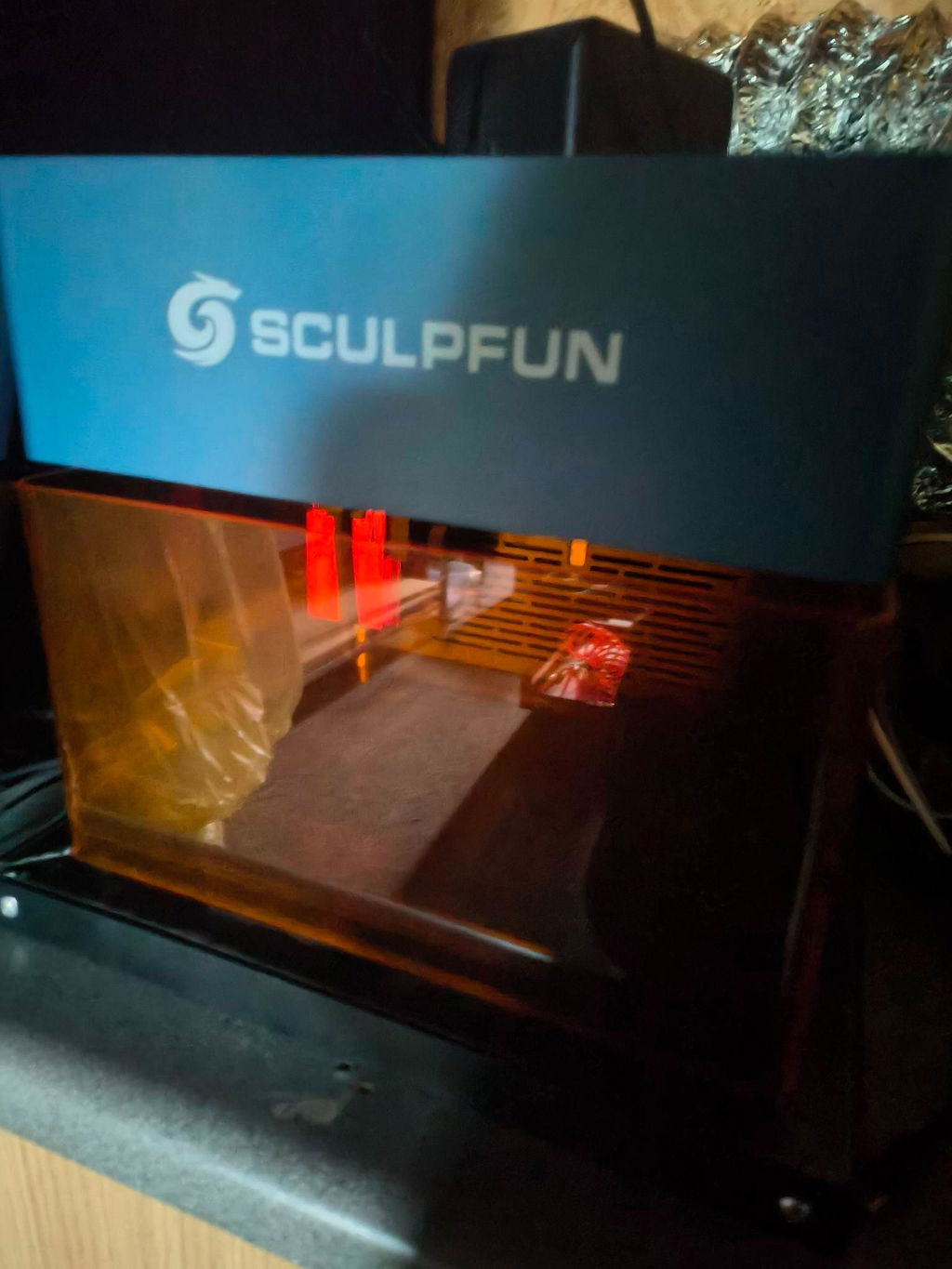
Absolutely — The iCube Ultra is designed for all skill levels, especially beginners entering the laser engraving space. It requires minimal setup — Most users can go from unboxing to their first engraving within 10–30 minutes. The built-in auto-focus system ensures precise results without manual adjustments, reducing the learning curve significantly. It also supports the Sculpfun App — A beginner-friendly mobile and desktop solution that simplifies operation with intuitive controls. Whether you are a hobbyist, Etsy seller, or small business owner in Europe, the USA, or other global markets, the iCube Ultra offers an easy and reliable start.
2. Which version of the iCube Ultra should I choose?
The iCube Ultra is available in two configurations — A single diode laser version and a dual-laser version combining diode and infrared technology. The dual-laser version provides maximum flexibility — Allowing you to engrave both non-metal materials and a wide range of metals and plastics. This makes it ideal for users in professional workshops or customization businesses across Germany, France, the UK, and North America. The single diode version is more cost-effective — Best suited for users focusing on wood, leather, and general crafting without metal engraving needs.
3. What materials can the iCube Ultra handle?
The iCube Ultra supports a wide variety of materials thanks to its dual-laser capability — Making it one of the most versatile desktop engravers on the market.
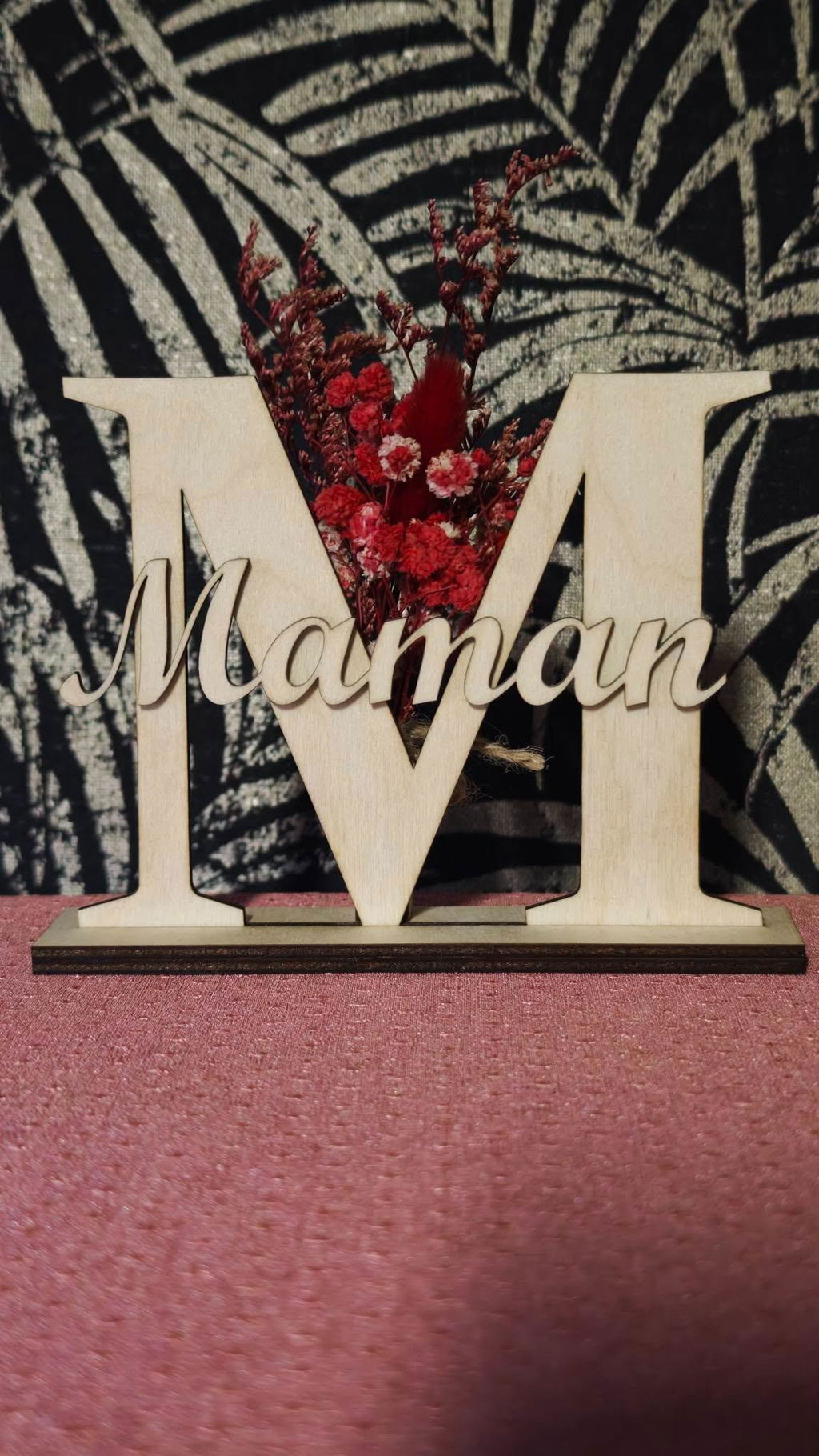
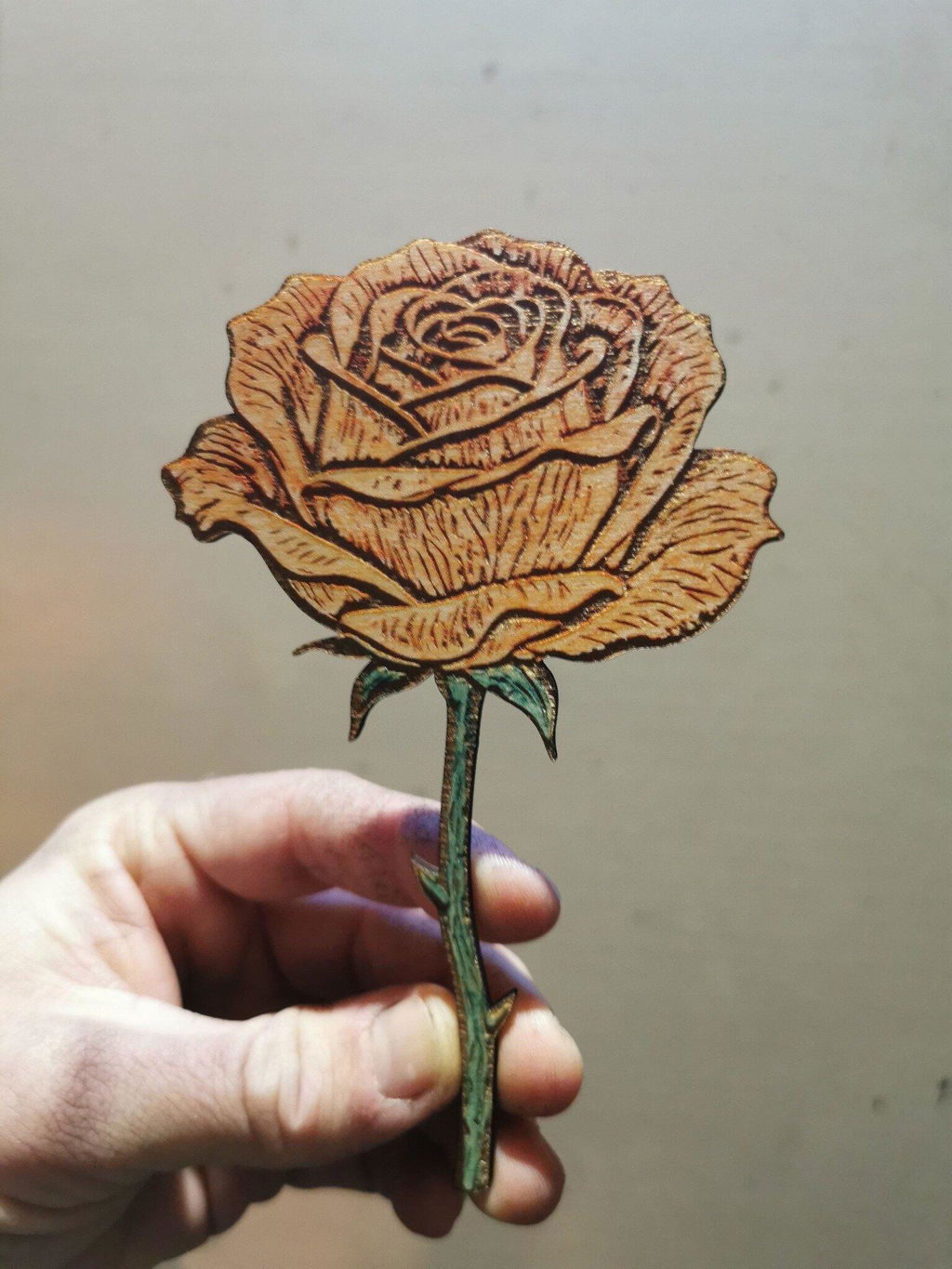
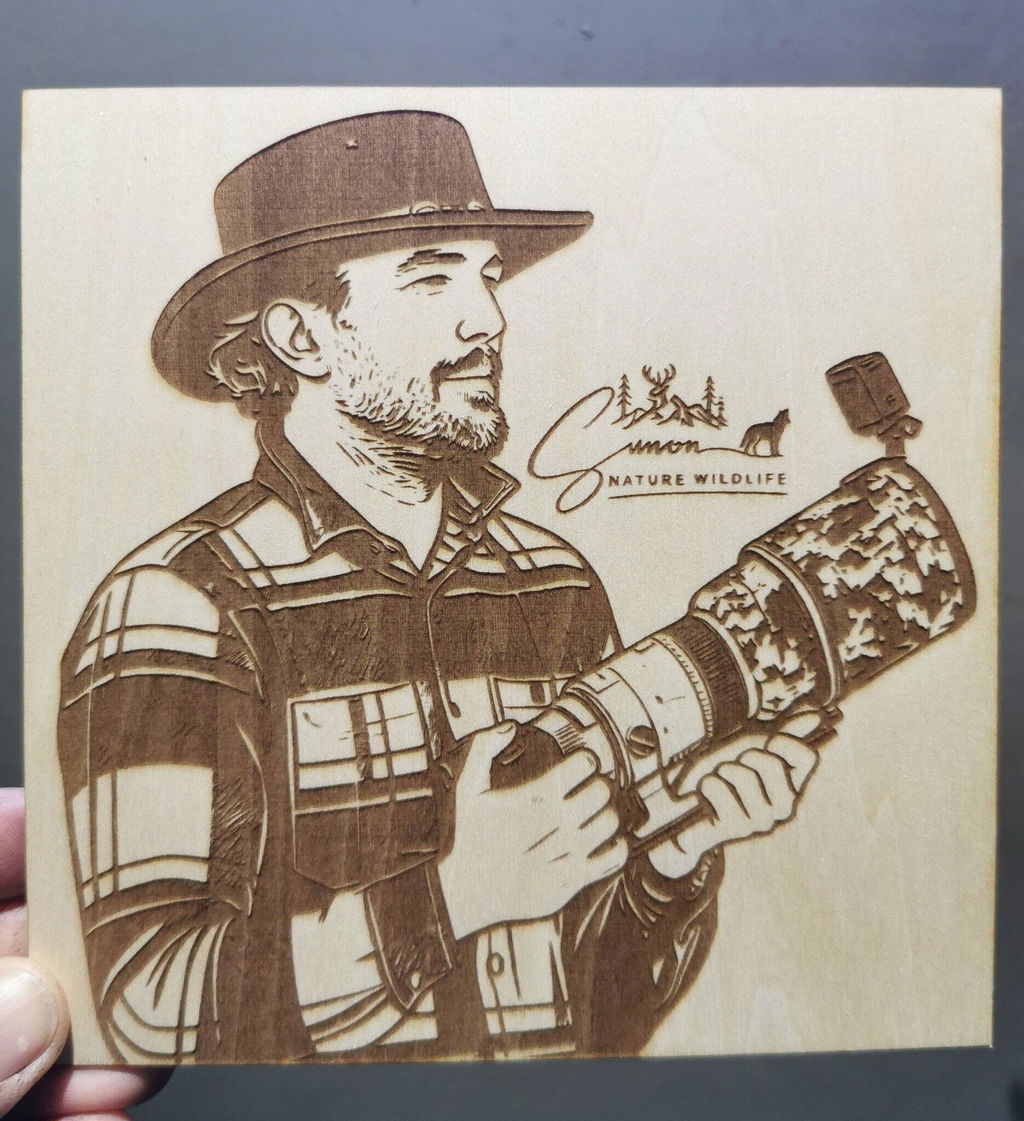
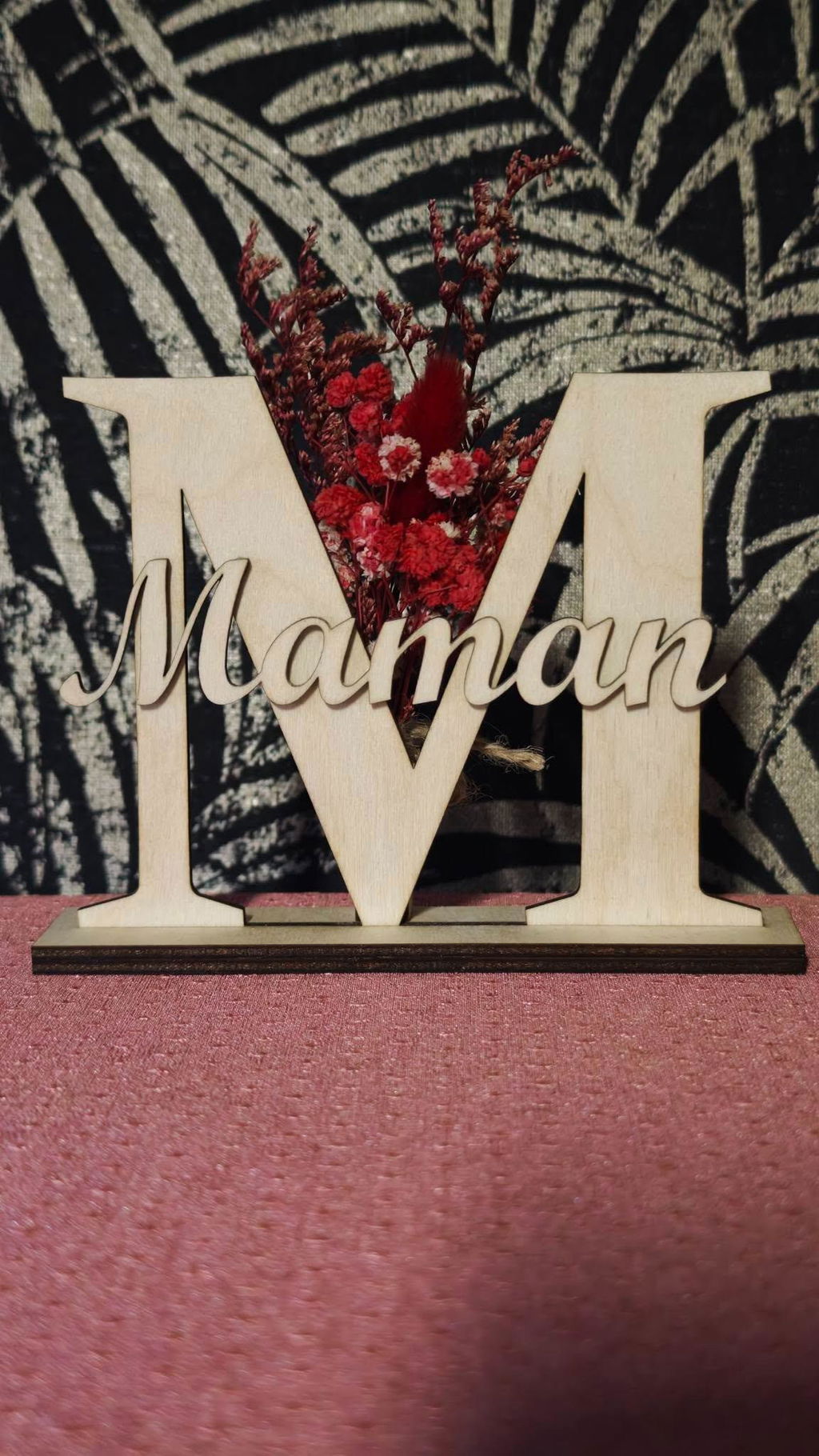
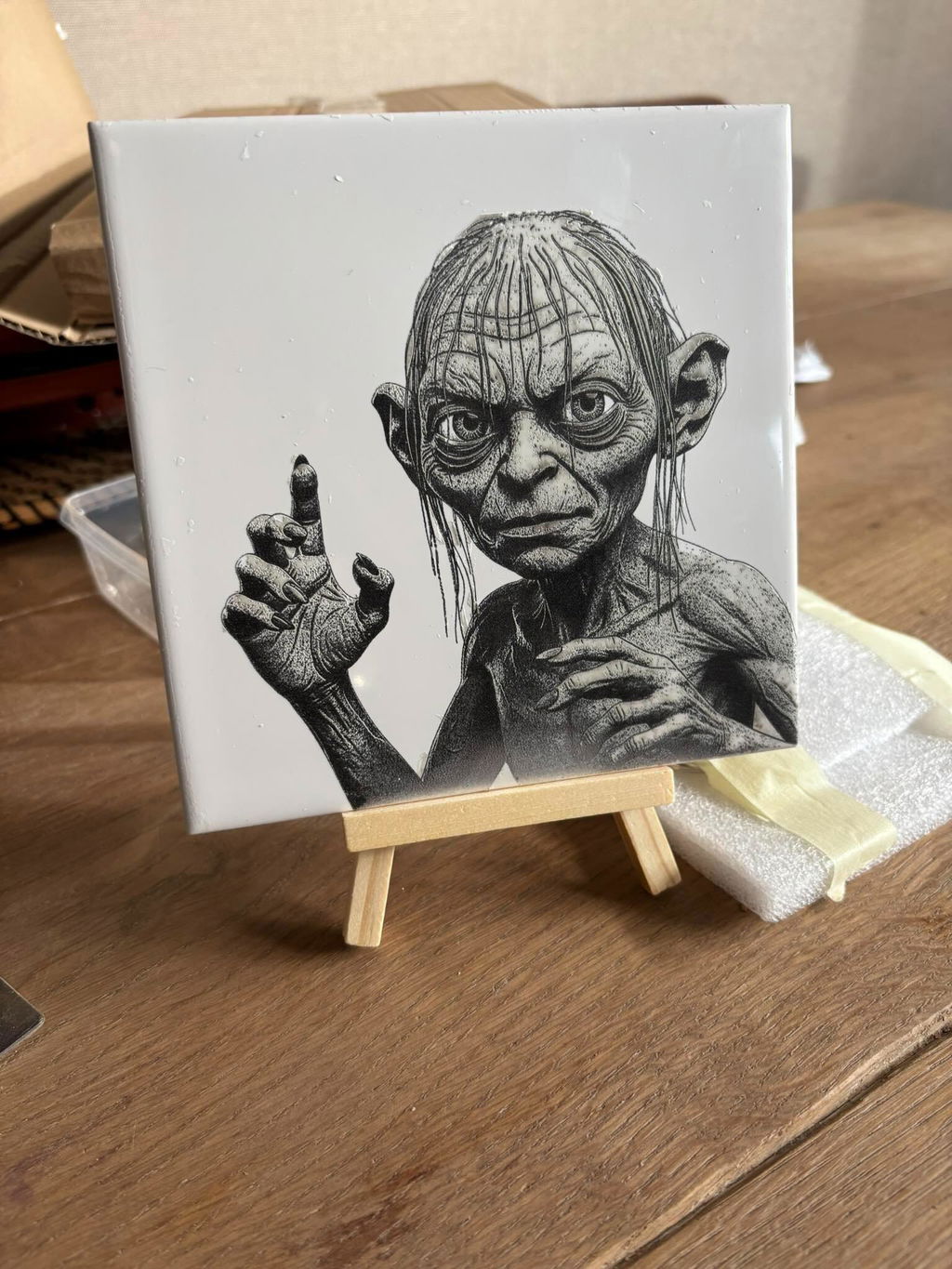
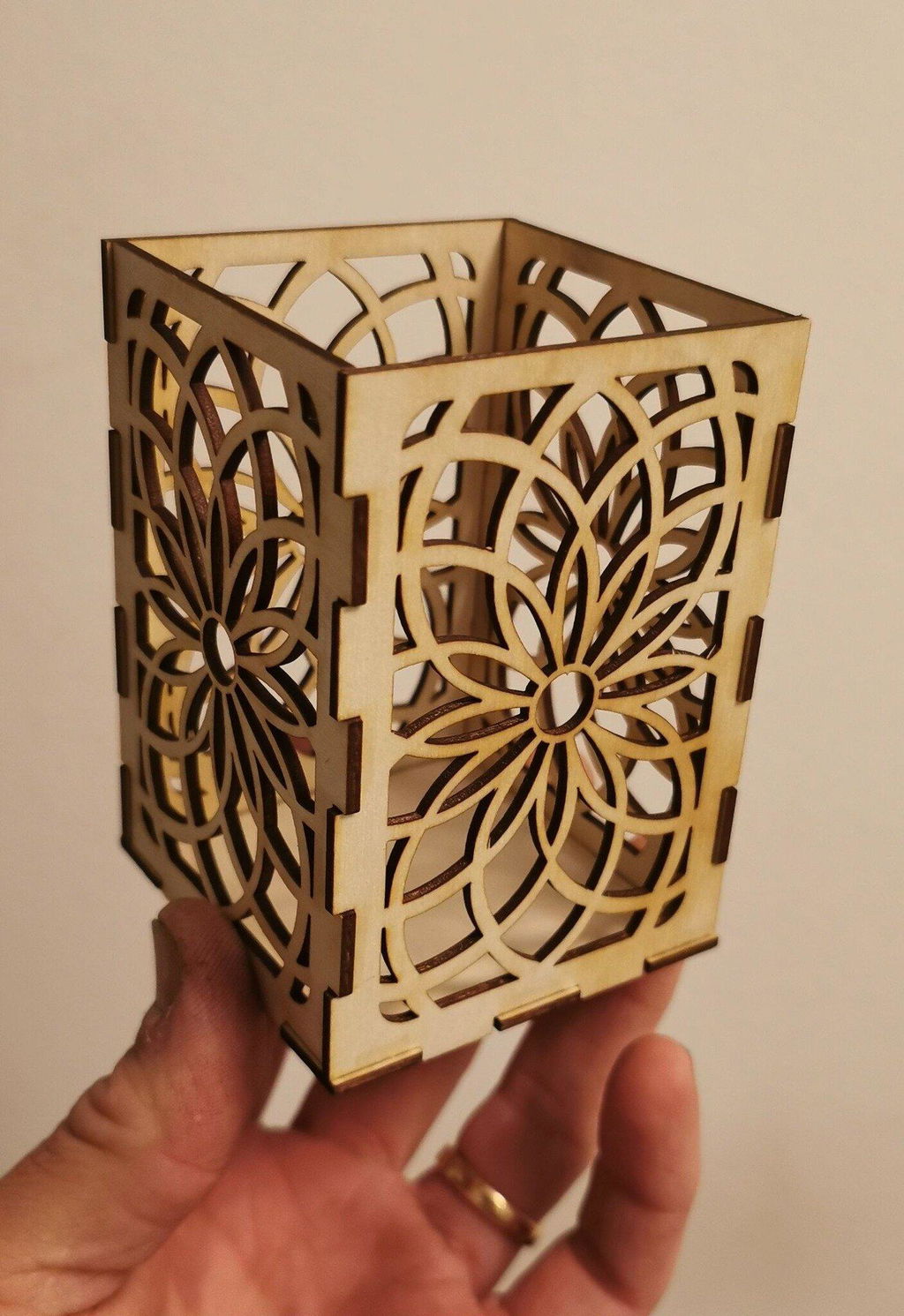
Diode laser — Wood, bamboo, leather, paper, fabric, MDF, acrylic (dark), ceramic, stone, glass (coated), and painted or anodized metals — Ideal for DIY crafts, signage, and decorative items.
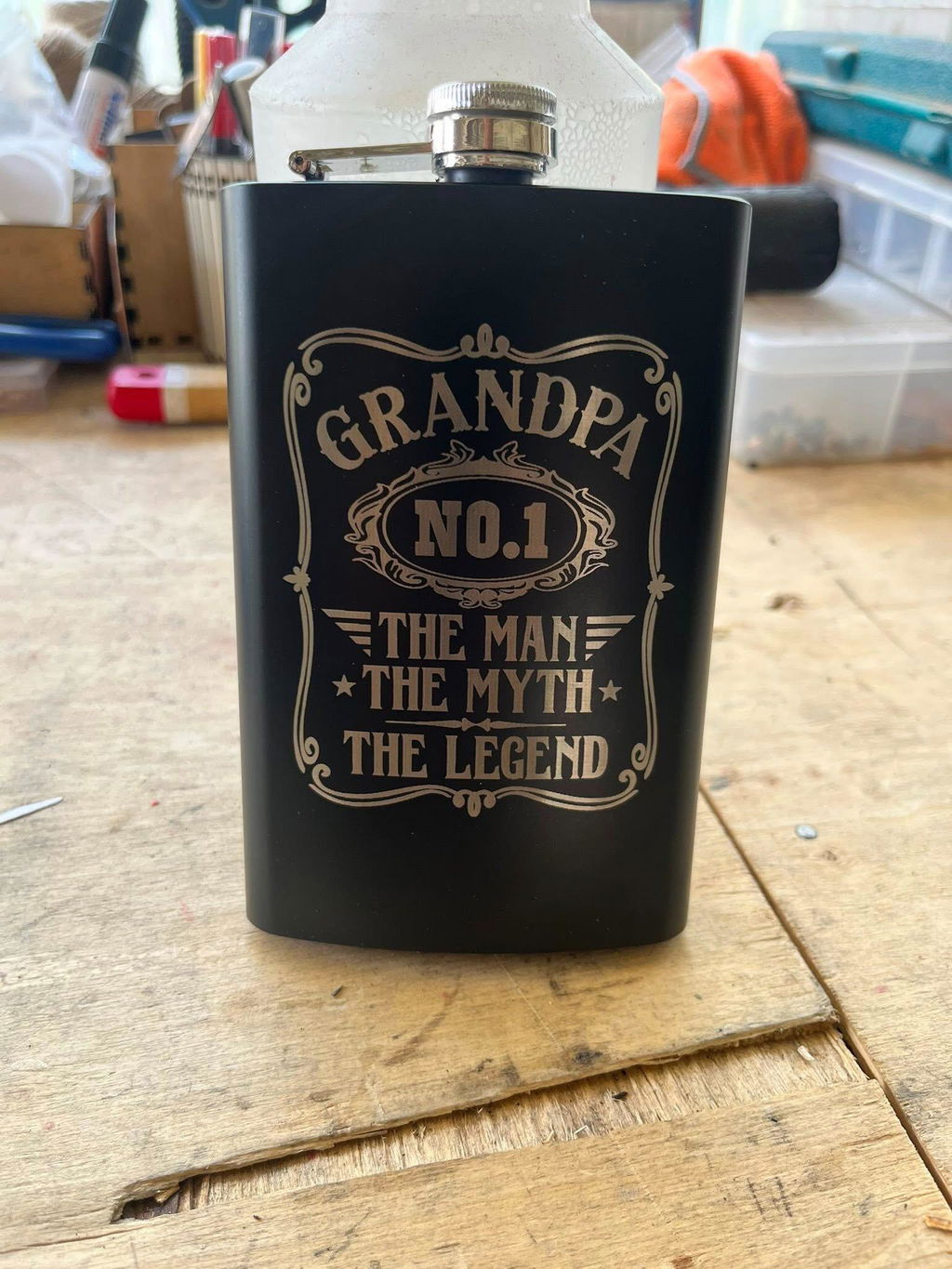
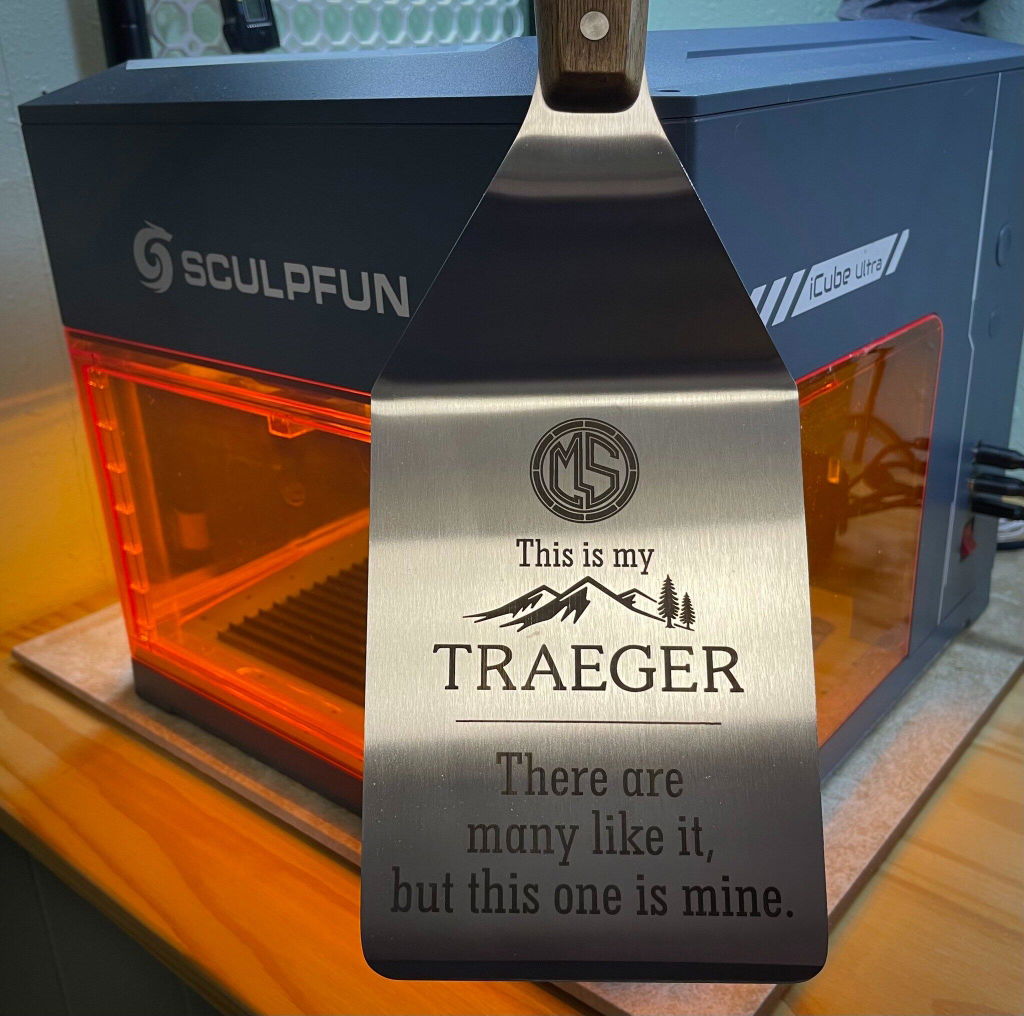
Infrared laser — Gold, silver, stainless steel, aluminum, brass, titanium, and most plastics — Perfect for jewelry, electronics, and industrial marking.
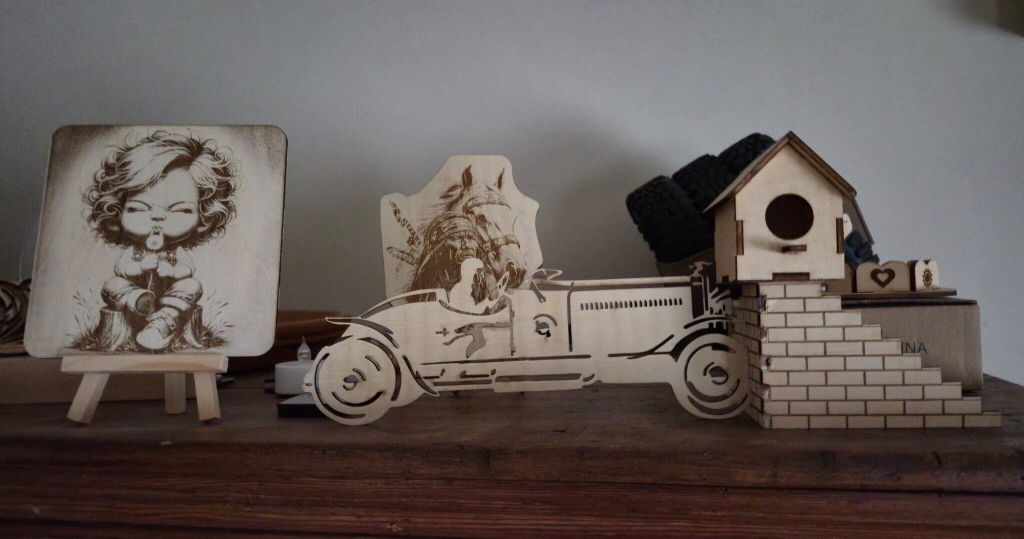
Cutting capability — The diode module can cut wood, leather, MDF, plywood, and other soft materials — Suitable for small-scale production and creative businesses in EU and US markets.
4. What accessories are compatible with the iCube Ultra? Can they improve the engraving experience?
The iCube Ultra supports multiple accessories designed to enhance productivity and expand creative possibilities —
Rotary Roller — Enables engraving on cylindrical objects such as bottles, tumblers, and rings — Ideal for personalized gifts and product customization.
Air Purifier SP1 — Reduces smoke and odors during engraving — Highly recommended for indoor use in apartments and studios in cities like Paris, Tokyo, and New York.
HD Camera — Allows precise positioning and batch engraving — Greatly improving workflow efficiency for small businesses.
Air Assist System — Provides consistent airflow to reduce burn marks and improve cutting quality — Ensuring cleaner results and more professional finishes.
5. What software can I use with the iCube Ultra?
The iCube Ultra supports both official and third-party software — Giving users flexibility based on their experience level.
Sculpfun App — Free and beginner-friendly — Offers simple controls, quick setup, and seamless integration with the machine.
LightBurn & LaserGRBL — Advanced software options — Provide greater control over parameters, layers, and engraving precision — Widely used by professionals in Europe and North America.
This combination ensures the machine is suitable for both entry-level users and advanced creators.
6. What is the engraving speed and accuracy of the iCube Ultra?
The iCube Ultra delivers high-speed engraving with excellent precision — Designed for both efficiency and detail. It combines stable motion control with a fine laser spot — Allowing sharp lines, smooth curves, and consistent results even at higher speeds. This makes it ideal for batch production, custom engraving services, and small businesses operating in competitive markets such as the EU and US.
7. Is the iCube Ultra safe to use at home or in a small workshop?
Yes — The iCube Ultra is designed with multiple safety features for home and studio environments. It includes protective shielding, emergency stop functions, and stable enclosure design — Helping reduce laser exposure and improve user safety. When paired with proper ventilation or an air purifier, it becomes a safe option for indoor use in apartments, studios, and workshops across Europe, Japan, and North America.
8. Can the iCube Ultra be used for small business or commercial purposes?
Absolutely — The iCube Ultra is well-suited for small business applications such as Etsy shops, custom gift production, and local engraving services. Its dual-laser capability allows you to work with a wide range of materials — From wood crafts to metal jewelry. Combined with batch processing and camera positioning, it helps increase productivity and profitability for creators in global markets.
9. Is the iCube Ultra portable and space-efficient?
Yes — The iCube Ultra features a compact desktop design that fits easily into small workspaces — Making it ideal for home studios, apartments, and limited workshop environments. Despite its size, it delivers professional-level performance — Allowing users in urban areas like London, Berlin, Singapore, and Tokyo to run creative projects without requiring large industrial setups.