
FAST SHIPPING

Local warehouses in the U.S. and Europe

SUPPORT 24/7

Quick response online chat system

7 DAYS RETURN

Simply return it within 7 days for an exchange

PAYMENT SECURE

We ensure secure payment with PEV

Acmer P1 S Pro Best Value Laser Engraver for Beginners

$279.00 $199.00 SAVE $80.00

➤ 6W-48W Laser output
➤  Metal structural laser machine
➤  10000mm/min Engraving speed
➤  Working area up to 380*370mm
➤  0.01mm Motion accuracy

Model: P1 S Pro 6W

P1 S Pro 6W
P1 S Pro 10W
P1 S Pro 20W(Free Air Pump)
P1 S Pro 36W(Free Air Pump)
P1 S Pro 48W(Free Air Pump)

Package: Machine

Machine
Basic Set (Camera+Honeycomb Bed)
Pro Set (M2 Rotary Roller+Honeycomb Bed+Metal Riser)
Advanced Set (M2 Rotary Roller+R20 Enclosure Box+Honeycomb Bed+Metal Riser)
Pro Max Set (M2 Rotary Roller+Honeycomb Bed+Camera+Metal Riser++A2 IR LaserModule+R20 Enclosure Box)

Plug Type: US Plug

US Plug
EU Plug
AU Plug
UK Plug

paypalklarnavisamasteramerican expressdiscoverjcbdiners clubmaestrogoogle pay

🚚 1–2 Day Dispatch | DHL / FedEx / UPS / USPS

FAST SHIPPING

Local warehouses in the U.S. and Europe

SUPPORT 24/7

Quick response online chat system

7 DAYS RETURN

Simply return it within 7 days for an exchange

PAYMENT SECURE

We ensure secure payment with PEV

ACMER P1 S Pro Laser Engraver – 6W to 48W All-Metal Diode Laser Engraving & Cutting Machine with 10,000 mm/min Speed, 380×370mm Work Area & Integrated Precision Scale

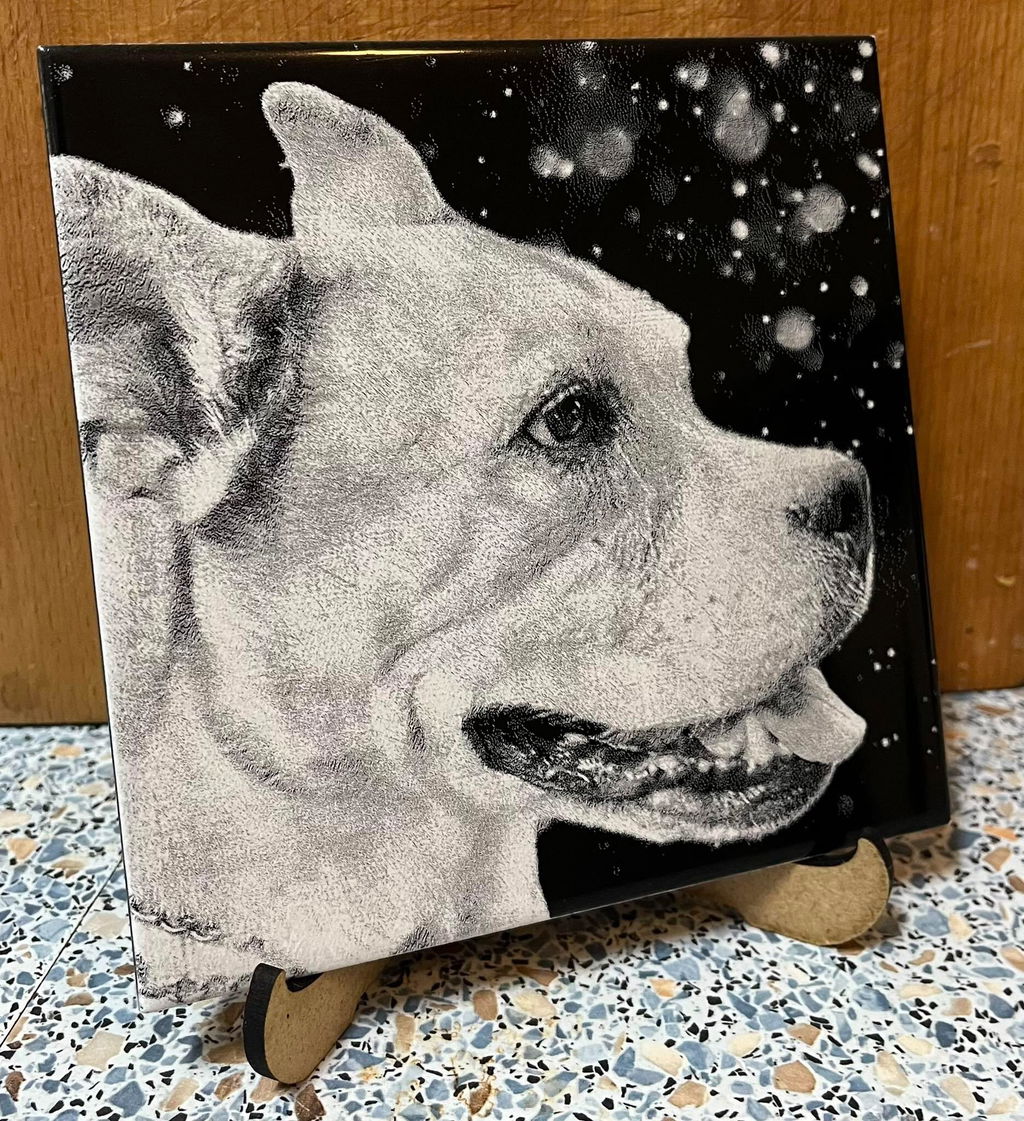
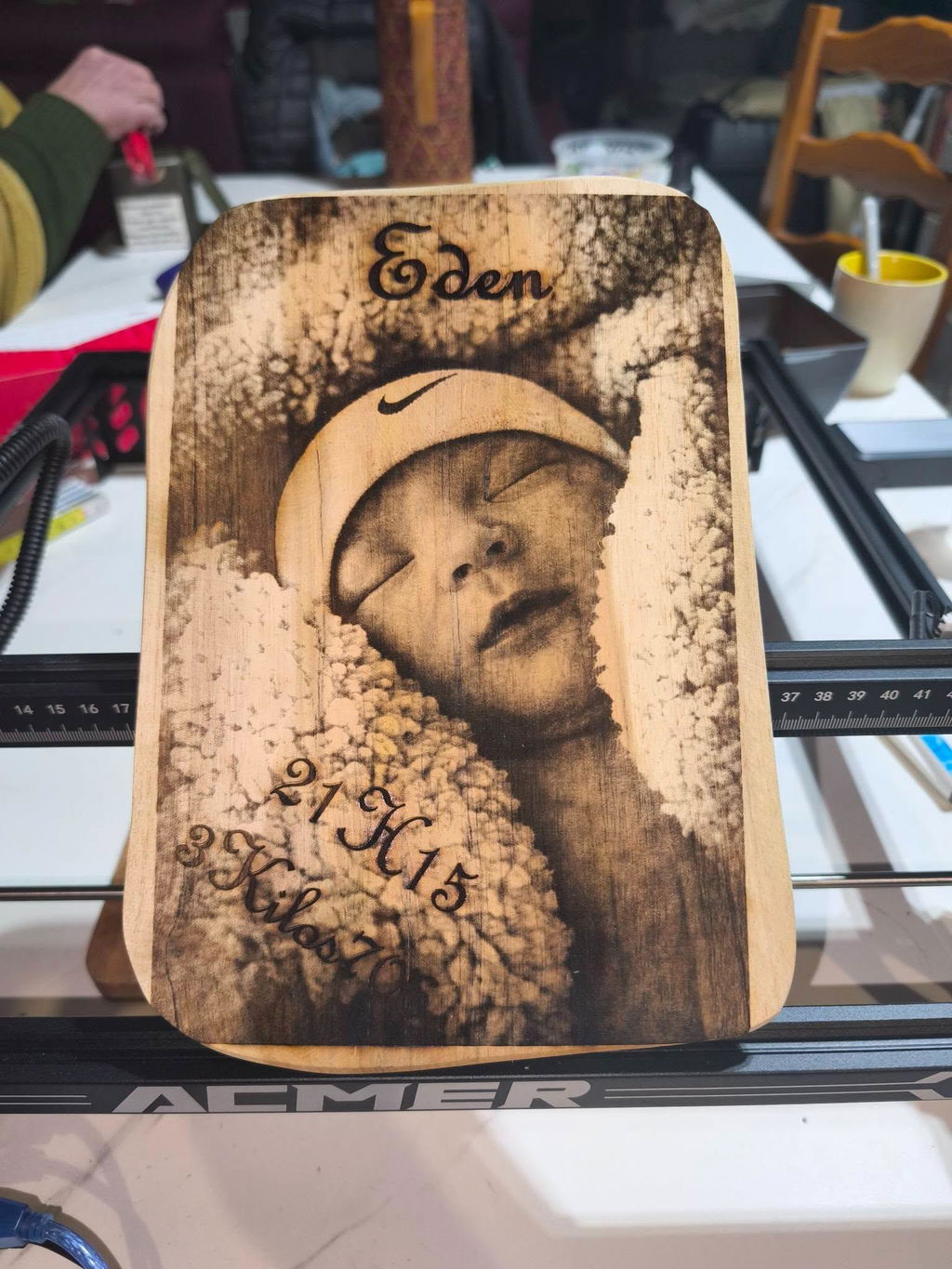
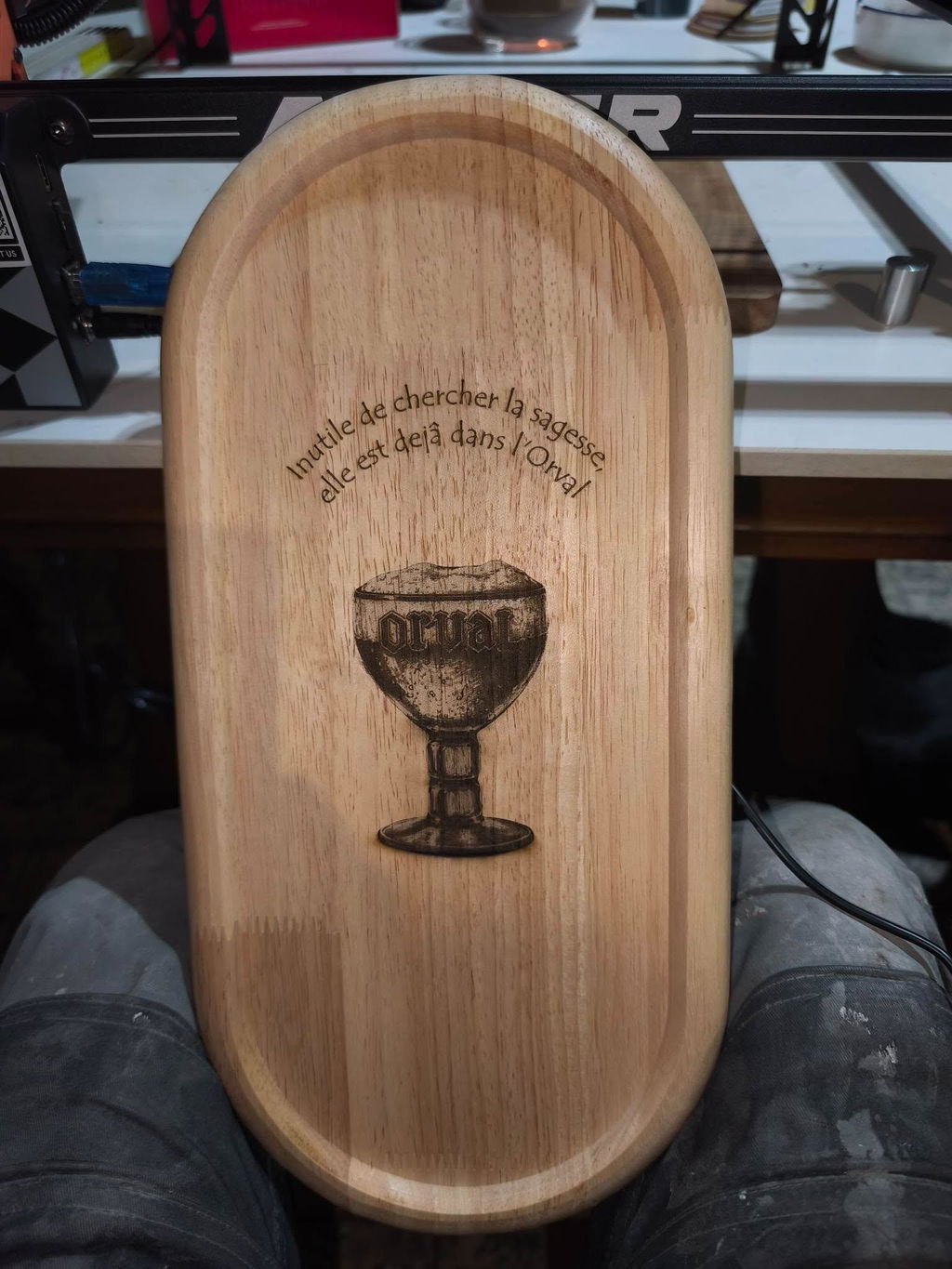
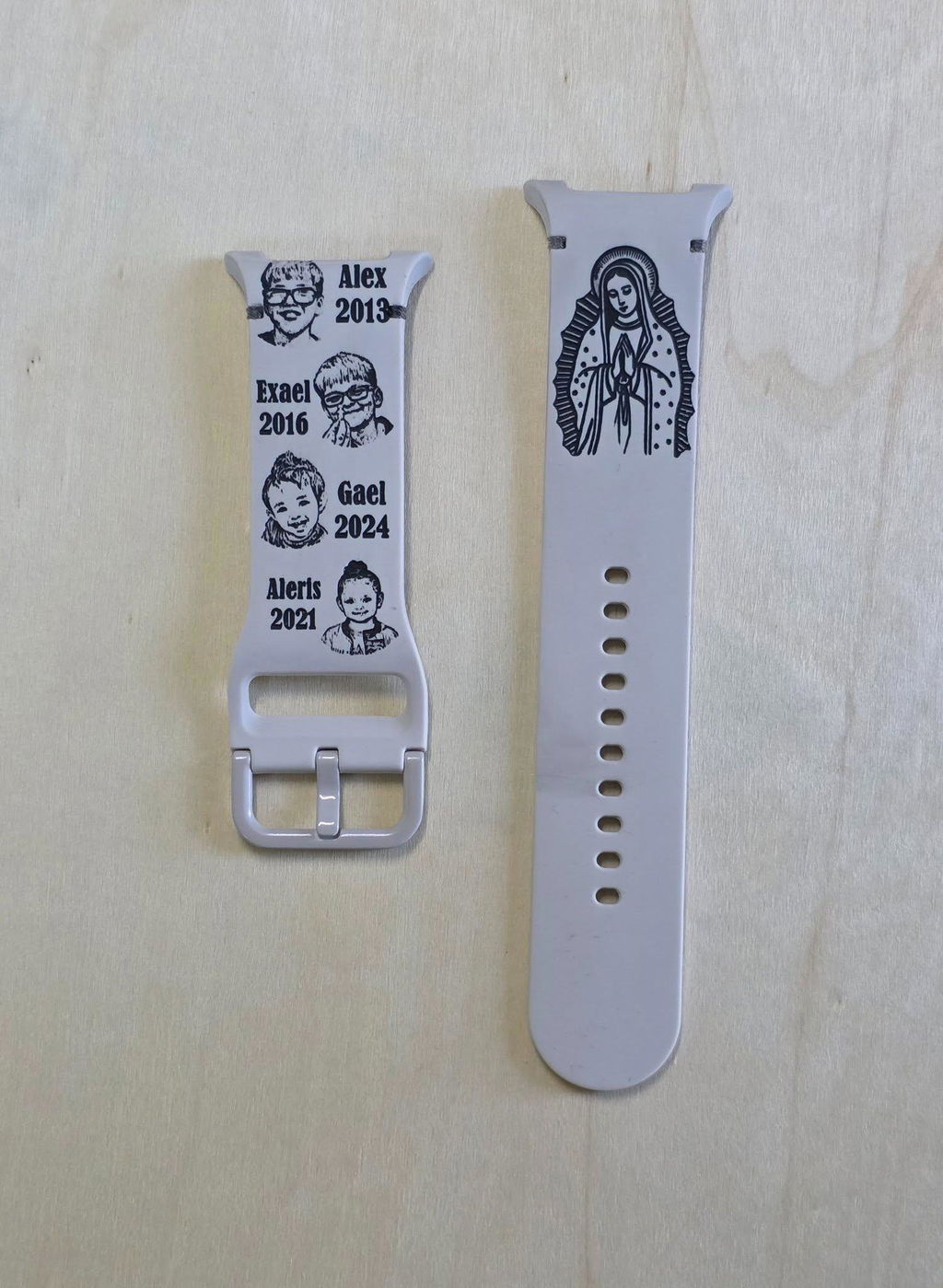
The gift business started with one laser. Then the orders came faster. Then the product line expanded — wood signs, leather patches, acrylic panels, metal dog tags. And the machine that handled the first order still handles the last, because the ACMER P1 S Pro was built to scale with you. Available in five power tiers from 6W to 48W, every variant runs on the same all-metal structural frame, the same 380×370mm work area, and the same 10,000 mm/min drive system — one of the fastest in this price category. An integrated laser scale on both axes eliminates guesswork on material placement, 0.01mm motion accuracy keeps every repeat production run consistent, and four bundle configurations let you choose exactly the accessory package your workflow needs from day one. For beginners buying their first laser and experienced makers scaling a business, the P1 S Pro is the platform that grows without asking you to start over.

All-Metal Frame + 10,000 mm/min – Industrial Build at Entry Price

The P1 S Pro uses a full all-metal structural frame — aluminum alloy extrusion with metal-reinforced X and Y carriages — delivering the rigidity needed to maintain 0.01mm motion accuracy at 10,000 mm/min, one of the fastest speeds in this price category.

A photo-quality engraving that takes 45 minutes on a 10,000 mm/min machine completes in under 15 minutes. For production runs of dozens of units, the time difference compounds into hours saved per day.
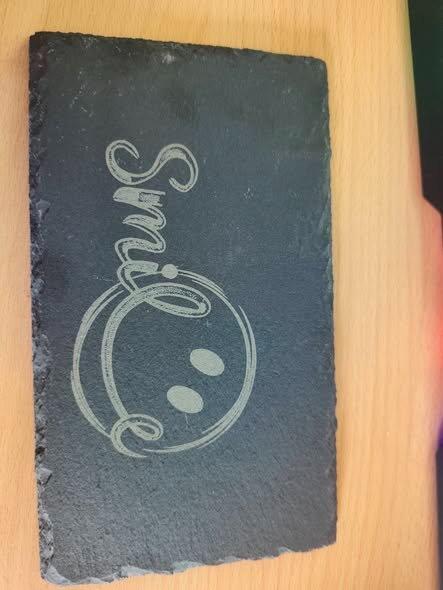
6W to 48W on One Platform – Scale Power Without Starting Over

Five power tiers: 6W, 10W, 20W, 36W, and 48W — every one running on the same frame, same 380×370mm work area, same accessories, and same software. At 6W: precision engraving and ~4mm wood cuts. At 20W: 20mm basswood and 30mm dark acrylic. At 48W: thick hardwood panels and heavy acrylic signage at production scale.

Choosing a higher power tier later means buying a new module, not a new machine ecosystem. One platform, five capability levels, zero wasted investment.

Integrated Laser Scale – Precise Positioning on Every Job

A laser scale is built into the machine frame on both X and Y axes — not a sticker, not an add-on, but a permanently calibrated reference built into the structure. Position materials with visible measurement marks, and repeat the exact same placement across production runs without a camera or alignment jig.

Combined with X and Y axis limit switches for accurate homing, the P1 S Pro gives you repeatable production positioning at a price point where most competitors offer only approximate alignment.

Gyroscope Tilt + Flame Detection + Emergency Stop – 3-Layer Safety

Three independent safety systems run continuously. A gyroscope detects tilt beyond 15° and immediately cuts laser output. A flame detection sensor triggers an emergency stop if fire is detected in the work area. A physical emergency stop button provides instant manual override at any time.

For workshop environments, home studios, and educational spaces where machines run near other people, this three-layer safety architecture provides meaningful risk reduction beyond the basic single-switch protection on many competing models at this price tier.

ACMER APP + LightBurn + LaserGRBL – Full Ecosystem Control

Three software paths for every skill level. The ACMER App (iOS + Android, free) controls the machine from a smartphone via Wi-Fi — no PC required. LaserGRBL (Windows, free) covers desktop beginner workflows. LightBurn (Windows / macOS / Linux) delivers professional-grade toolpath, camera alignment, and batch production management.

Connect via Wi-Fi, USB, or TF card (fully offline). Supported formats: JPG, PNG, BMP, GIF, SVG, AI. Compatible with Windows, macOS, Linux, iOS, and Android — no proprietary software required.

Specifications

A. Laser Module by Power Tier
ModelACMER P1 S pro
Optical Output Laser6W/10W/20W/36W/48W
Laser Spot Size0.06 x 0.08mm
B. Motion & Engraving Performance
Work Area380 × 370mm (all power variants)
Max Engraving Speed10,000 mm/min
Motion Accuracy0.01mm
Laser Wavelength445nm)
Limit SwitchesX and Y axis — accurate homing, over-travel protection
Integrated ScaleYes — laser scale on X and Y axes, built into frame structure
C. Material Compatibility
Engravable Materials (100+)Wood (plywood, basswood, MDF, bamboo, cork), leather, fabric, paper, cardboard, coated/anodized metals, painted metal, glass (surface), ceramic (coated), stone, PCB board, acrylic (opaque/dark)
Not Compatible (direct)Transparent acrylic, glossy bare metal, mirror/reflective surfaces (require surface treatment or marking spray)
D. Connectivity & Software
ConnectivityWi-Fi / USB / TF card (offline)
Smartphone AppACMER App (iOS + Android, free)
SoftwareLaserGRBL (Windows, free) / LightBurn (Windows, macOS, Linux) / ACMER App
Supported OSWindows / macOS / Linux / iOS / Android
File FormatsJPG / PNG / BMP / GIF / SVG / AI
E. Safety Features
Gyroscope Tilt Protection Cuts laser output if tilt angle exceeds 15° — protects against accidental displacement during operation
Flame Detection Monitors work area; triggers emergency stop if fire is detected
Emergency Stop Button Physical button — immediate laser shutdown at any time
X/Y Limit Switches Prevent over-travel; ensure accurate homing on every job start
Protective Eyewear Included; required during open-frame operation
F. Bundle Options (per power tier)
Machine OnlyBase machine + power cable + USB cable + TF card + protective glasses + manual
Basic SetMachine + Camera (visual positioning) + Honeycomb Bed
Pro SetMachine + M2 Rotary Roller + Honeycomb Bed + Metal Risers
Advanced SetMachine + M2 Rotary Roller + R20 Enclosure Box + Honeycomb Bed + Metal Risers
Pro Max SetMachine + M2 Rotary Roller + R20 Enclosure Box + Honeycomb Bed + Camera + Metal Risers
G. Machine
Frame MaterialAll-metal aluminum alloy extrusion
AssemblySemi-assembled kit; quick assembly required

Expert Analysis

Unboxing ACMER P1 S Pro Laser Engraver

Most Affordable Laser Engraver- Acmer P1S Pro 6 Watt

Acmer P1S Pro 6w Diode laser Review

Acmer P1 S Pro testing and review.

Acmer P1 S Pro – Setup and Initial Thoughts!

A $200 laser that works- Acmer P1 S Pro

How to use GRBL on P1 S Pro Laser Engraver

How to Upgrade the Laser Head to 20W on ACMER P1 S Pro Laser Engraver

How to Upgrade the Laser Head to 10W on ACMER P1 S Pro Laser Engraver

How to Install LightBurn on ACMER P1 S Pro Laser Engraver

Unboxing ACMER P1 S Pro Laser Engraver

Review

FAQs

1. What is the difference between the 6W, 10W, 20W, 36W, and 48W versions of the ACMER P1 S Pro?
All five variants share the same all-metal frame, 380×370mm work area, 30,000 mm/min drive system, integrated laser scale, and software ecosystem — only the laser module and resulting cutting capability differ.


6W-Precision engraving on wood, leather, and coated metal; cutting up to ~4mm wood
10W-Everyday maker cutting tasks; up to ~8mm basswood
20W-Up to 20mm basswood and 30mm dark acrylic; metal color engraving via oxidation
36W-Thick hardwoods and heavy acrylic panels; production-tier single-pass cutting
48W-Maximum material range; sustained high-volume production runs

For a first laser, 6W or 10W is the right starting point. For an active custom product business, 20W or above.
2. What materials can the ACMER P1 S Pro engrave and cut?
transparent acrylic, glossy bare metals, and reflective surfaces require surface treatment or a marking spray before engraving.
3. Does the ACMER P1 S Pro support offline operation?
Yes. The P1 S Pro supports TF card offline mode — load a job file to a TF card, insert it into the machine, and run the job without any computer or smartphone connected. This is especially useful for production runs where the same file repeats multiple times. For wireless control without a PC, the ACMER App (iOS + Android) connects via Wi-Fi. USB cable connection to a PC running LaserGRBL or LightBurn is also available.
4. What bundle options are available, and which should I choose?
Rotary Roller, R20 Enclosure, Honeycomb Bed, Camera, and Metal Risers. For most first-time buyers, the Basic or Pro Set offers the best value starting point.
5. What software is compatible with the ACMER P1 S Pro?
The P1 S Pro works with the ACMER App (iOS and Android, free), LaserGRBL (Windows, free), and LightBurn (Windows / macOS / Linux, paid with a free trial). It connects via Wi-Fi, USB cable, and TF card (offline — no device required after file loading). Supported file formats include JPG, PNG, BMP, GIF, SVG, and AI. Compatible with Windows, macOS, Linux, iOS, and Android. No proprietary software is required — all three options work natively with the P1 S Pro out of the box.